With the rise of AI-assisted rendering tools, SketchUp has stepped into the spotlight with SketchUp Diffusion, allowing designers to turn rough models into stylized visuals with just a prompt.But images generated directly inside SketchUp—especially early outputs—often lack fine detail, sharp edges, and clean textures. This is where Enhancers come in.
In this article, we’ll explore how SketchUp Diffusion’s Enhance feature works, where its limitations lie, and how it compares with other AI upscalers such as Krea and ReRender AI. We will also conduct a series of simple tests to see how each tool performs on real SketchUp outputs.SketchUp Diffusion Enhancer
SketchUp Diffusion’s built-in Enhancer gives designers a quick way to sharpen and clean up AI-generated images without leaving the app. While it’s not meant to replace high-end upscalers, it does a surprisingly good job at improving clarity, reducing noise, and bringing out key details in early concept renders.
For quick iterations or presentations on the fly, the Enhancer adds just enough polish to make Diffusion images feel more refined and readable—especially for architects and interior designers working through fast design studies.
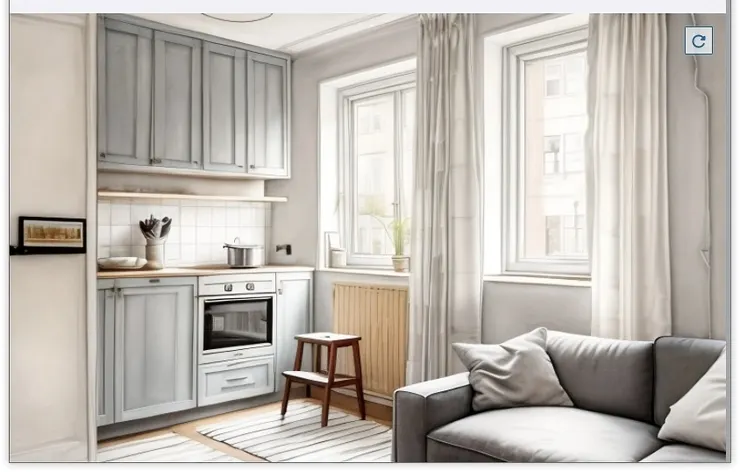
Sketchup
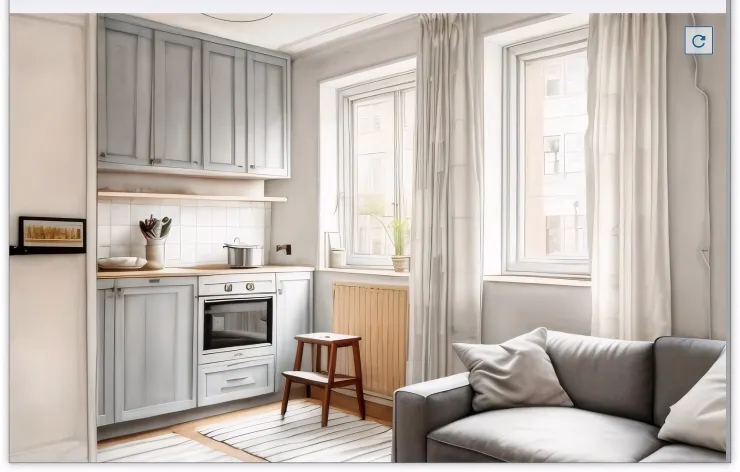
Krea
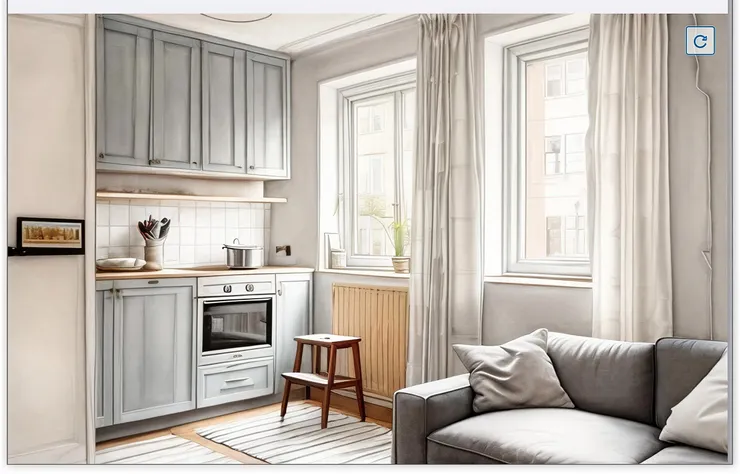
ReRender
Tests for Sketchup Diffusion rendering
In our initial tests, SketchUp Diffusion’s rendering performance was fairly average. While it can quickly generate concept images, it still falls short in areas like style consistency and color saturation. We also compared it with other tools on the market, such as Krea and ReRender. Each of these platforms offers its own processing characteristics and workflow, reminding us just how rapidly this technology is evolving. More importantly, they provide designers with clearer reference points when choosing the right AI tools for real-world projects.
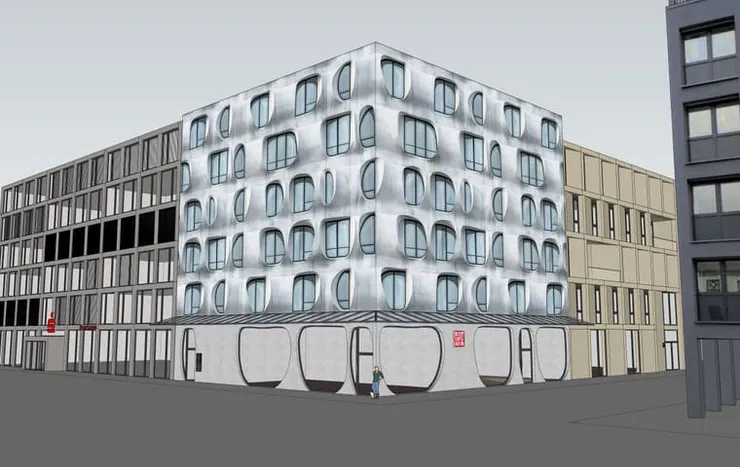
Original-2

Sketchup

Krea
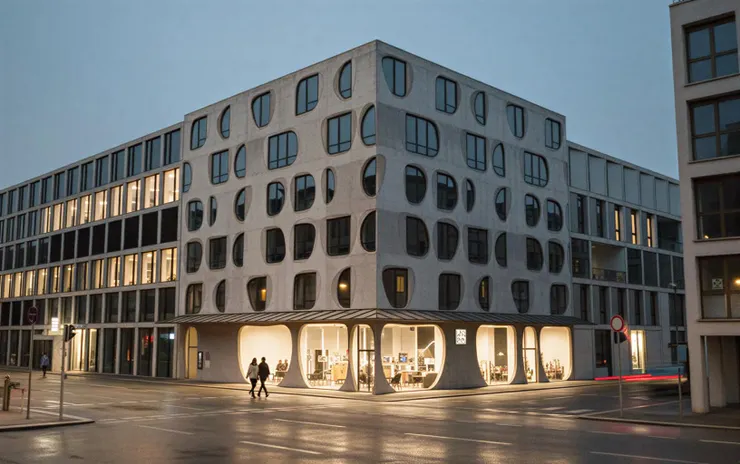
ReRender
Conclusion
Overall, the tests highlight how quickly AI rendering tools are advancing and how differently each platform approaches image enhancement. SketchUp Diffusion offers speed and convenience, while tools like Krea and ReRender push further in clarity, detail, and stylistic control. Rather than competing directly, these tools expand the range of options available to designers, allowing each workflow to adapt based on project needs. As AI continues to evolve, the real value lies in understanding which tool fits the right moment in the design process.
ReRender: https://rerenderai.com/