Introduction
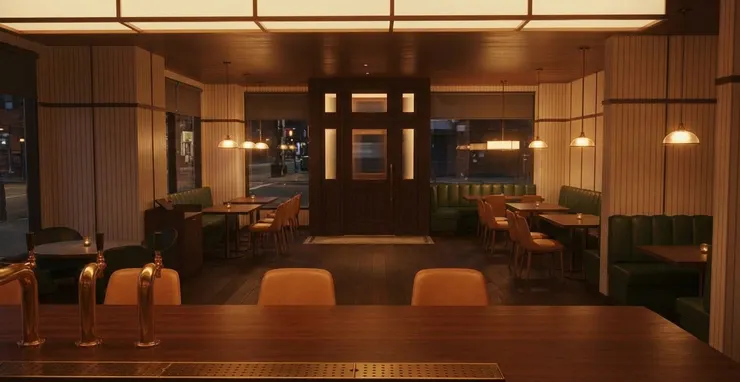
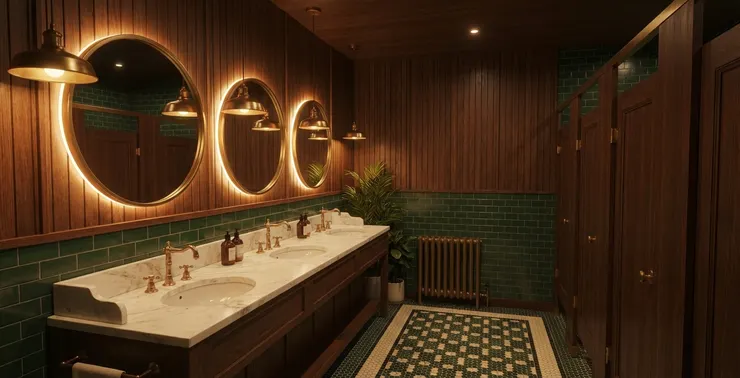
Render AI Interior Design is a practical approach to generating AI interior rendering results when designers need fast visuals for client proposals. In competitive projects, clients often want to see interior renders early—sometimes before a full 3D workflow is ready. Render AI interior design tools help shorten the time from initial concept to proposal-ready interior visuals.
In a real interior design case, the main challenge is often not designing the space, but communicating style quickly and clearly. Clients want to compare different color-based styles—such as warm neutrals, high-contrast modern palettes, or soft minimal tones—within the same interior layout. When designers can present multiple interior renders efficiently, decision-making becomes faster and proposals feel more professional.AI interior rendering supports this early stage by enabling fast interior visualization and style testing, allowing designers to focus on winning proposals rather than technical setup.
Why Render AI Interior Design Matters in Early Proposals
Render AI interior design matters in early proposals because clients need clear interior visualization before committing to a design direction. Traditional rendering workflows are often too slow for pitching stages, where speed and visual clarity directly affect decisions. AI interior rendering allows designers to produce proposal-ready interior renders that communicate layout, mood, and style efficiently, helping clients understand concepts faster and feel confident earlier.
An Interior Design Case Using Render AI Interior Design
Here is a simple interior design case focused on proposal development. The goal is to generate concept renders quickly for client review, rather than final production images.

render ai interior design sketchup model used for proposal rendering
Step 1: Uploading the SketchUp Model
Start with a clean SketchUp model that defines layout, camera angle, and key furniture placement. Clear proportions matter more than detailed materials at this stage.

Step 2: Uploading the Reference Photos
Upload reference photos that represent the desired style, color palette, and mood. These references guide the AI interior rendering direction.

Step 3: Rendering the Proposal Visuals
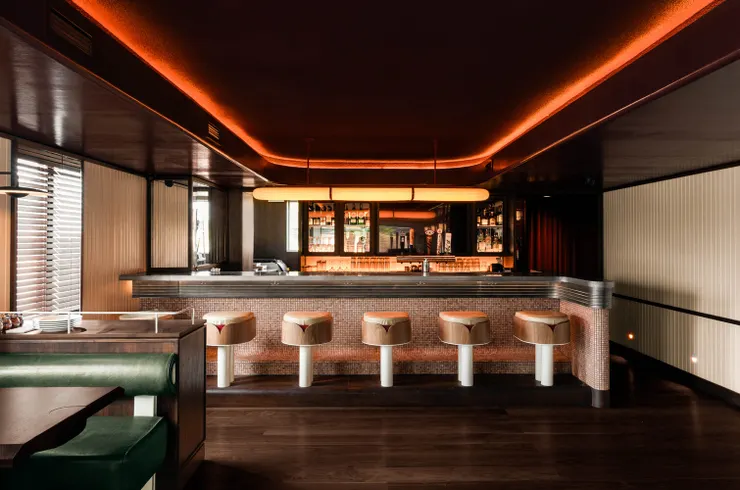
Using Render AI interior design and tools like ReRender AI, designers can quickly re-render the same space with different stylistic directions, enabling fast iteration without rebuilding the scene.
Exploring Color-Based Styles with Render AI Interior Design Renders
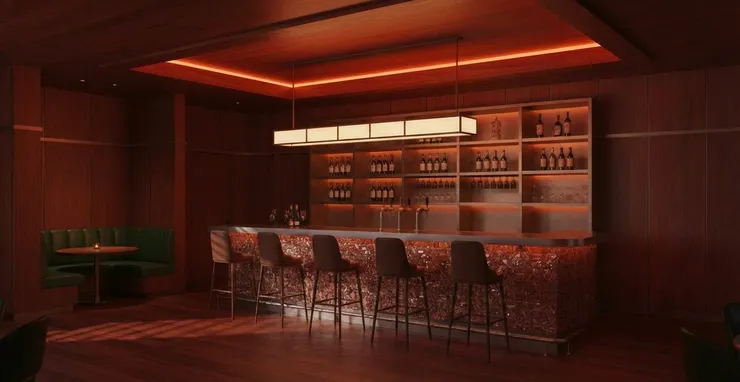
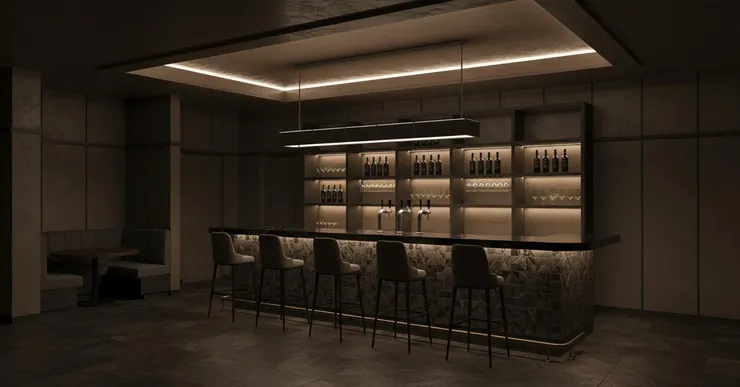
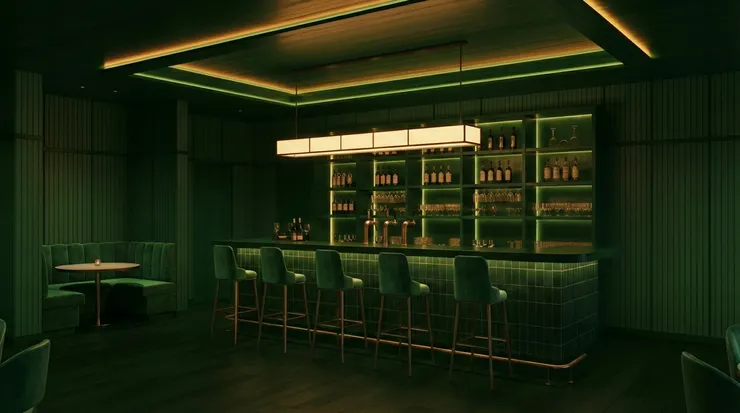
With Render AI interior design renders, designers can efficiently explore different color-based styles within the same interior layout. Warm neutral palettes, high-contrast modern schemes, or soft minimal tones can be visualized quickly, making it easier for clients to compare options and make faster proposal decisions.
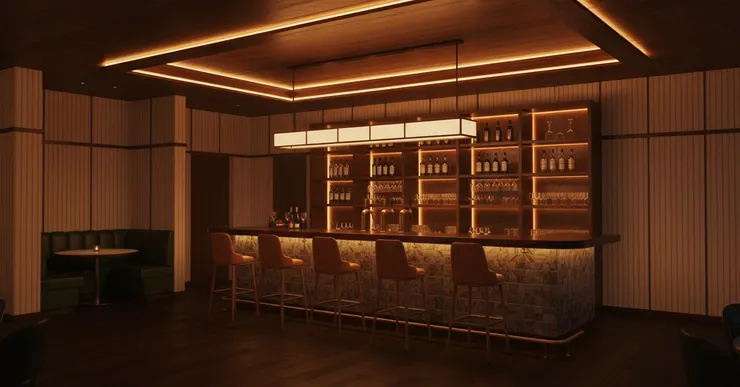
Different color-based styles generated with Render AI interior design for proposal comparison.

FAQ about Render AI Interior Design
What is Render AI interior design mainly used for?
It is mainly used to generate fast interior renders during early design stages for client proposals and pitches.
Can Render AI interior design replace traditional interior rendering?
No, but it works well for concept development and proposal visuals where speed matters more than final detail.
Is Render AI interior design suitable for client presentations?
Yes, especially when designers need to show multiple style or color options quickly.
Conclusion
Render AI interior design provides designers with a fast and flexible way to create proposal-ready interior renders. By combining AI interior rendering, style exploration, and rapid iteration with tools like ReRender AI, designers can communicate ideas more clearly and respond faster during early project stages. As visual expectations continue to rise, Render AI interior design is becoming an essential part of modern interior design proposal workflows.